

How to Draw Steve from Minecraft
In this lesson you will learn how to draw Steve from Minecraft. This lesson is very simple and consists of nine easy steps.
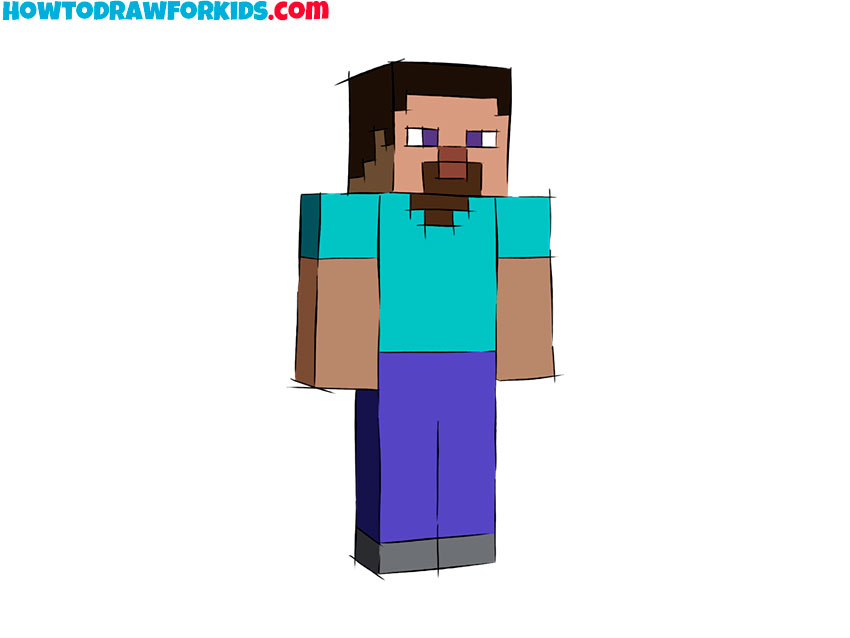
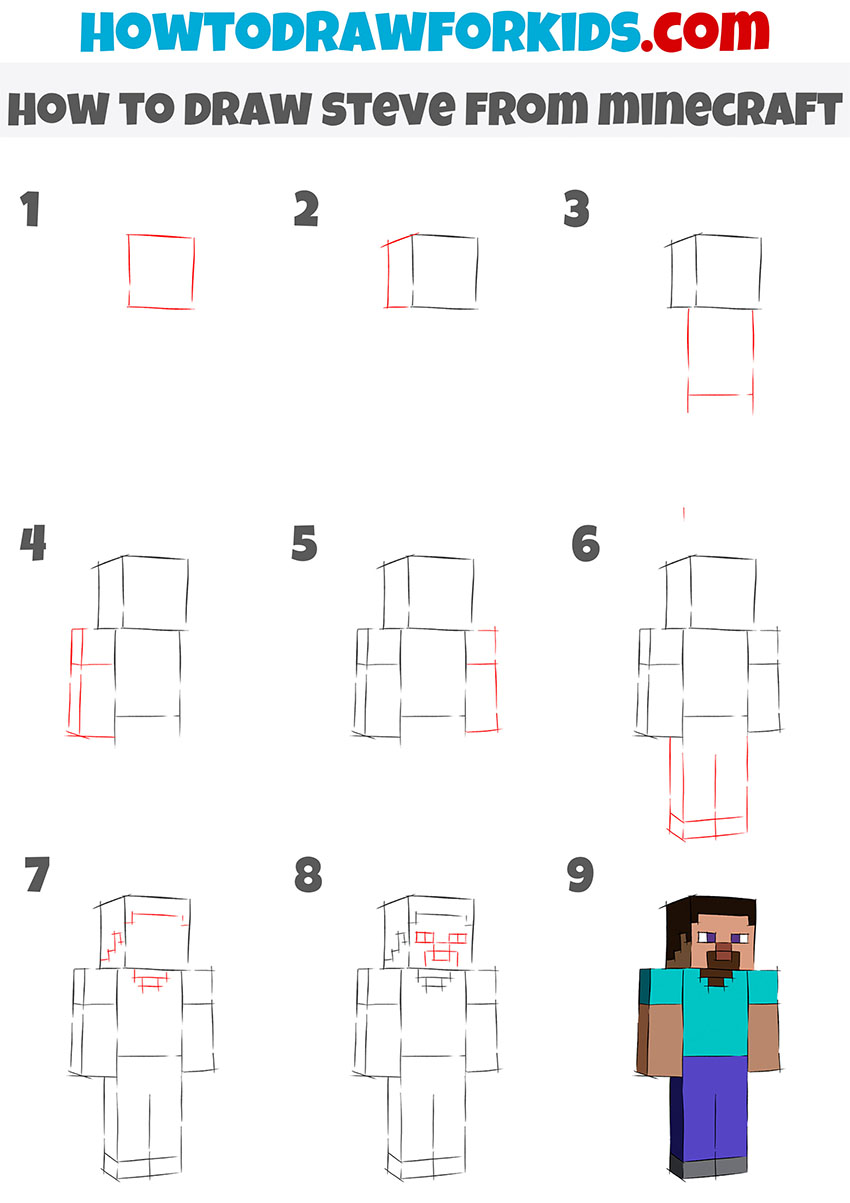
In this tutorial, I will show you how to draw Steve from Minecraft. If you are passionate about the Minecraft computer game, then you will be happy to draw this character. But even if you do not play Minecraft, the lesson will still be interesting and useful for you.
Steve is the main playable character. Steve is fast, agile, and can lift a lot of blocks. Steve communicates with various characters, performs tasks. Steve is easily recognizable, he has a rectangular body shape, like all other characters in the game.
This character is wearing a blue T-shirt and purple pants. To successfully complete this lesson, you will need the ability to draw even, straight lines. Try to do it carefully to get a great result.
Steve from Minecraft Drawing Tutorial
Materials
- Pencil
- Paper
- Eraser
- Coloring supplies
Time needed: 30 minutes
How to Draw Steve from Minecraft
- Draw the front of the head.
Depict a square using straight lines.

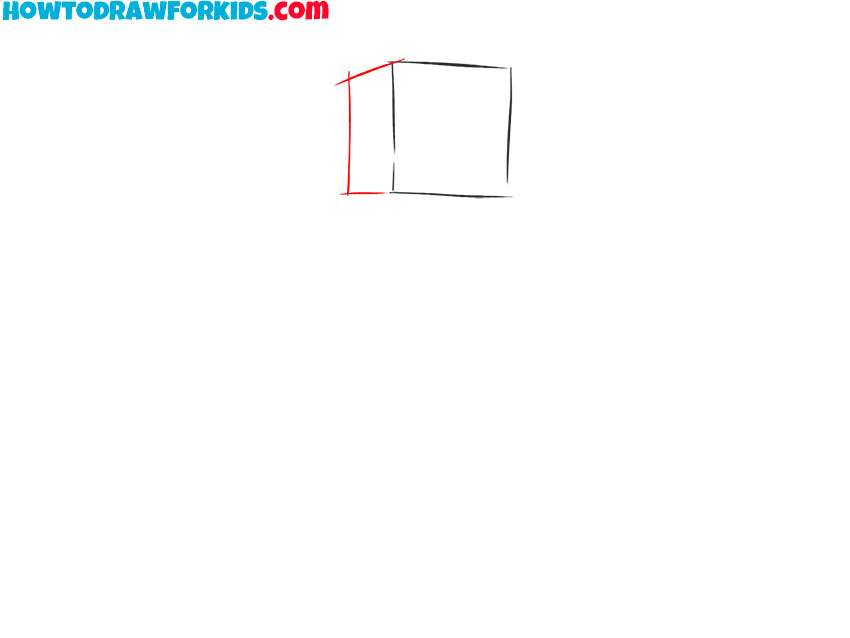
- Add the side of the head.
On the left side, draw some straight lines.
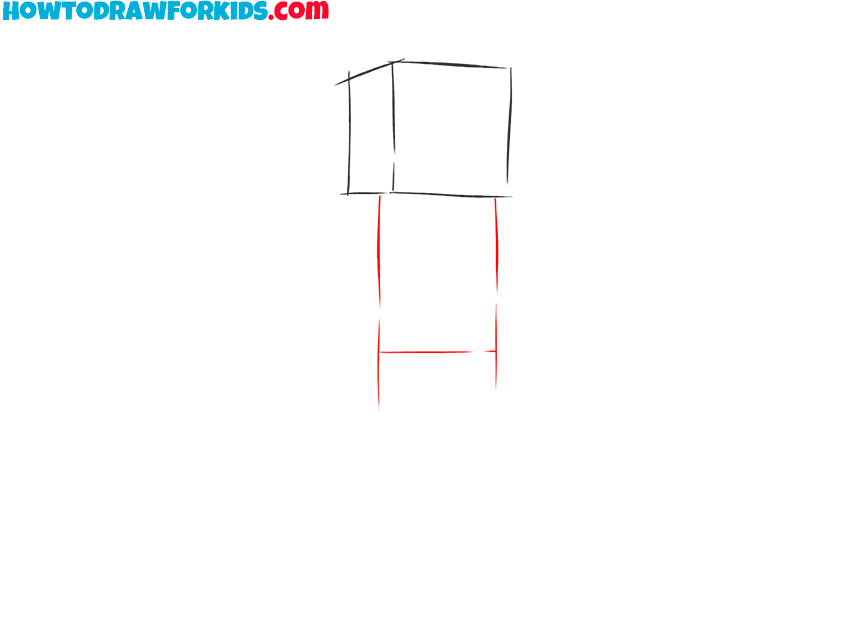
- Depict the torso.
Draw a rectangle below the head.
- Sketch out one arm.
On the side of the body, add the rectangular arm.
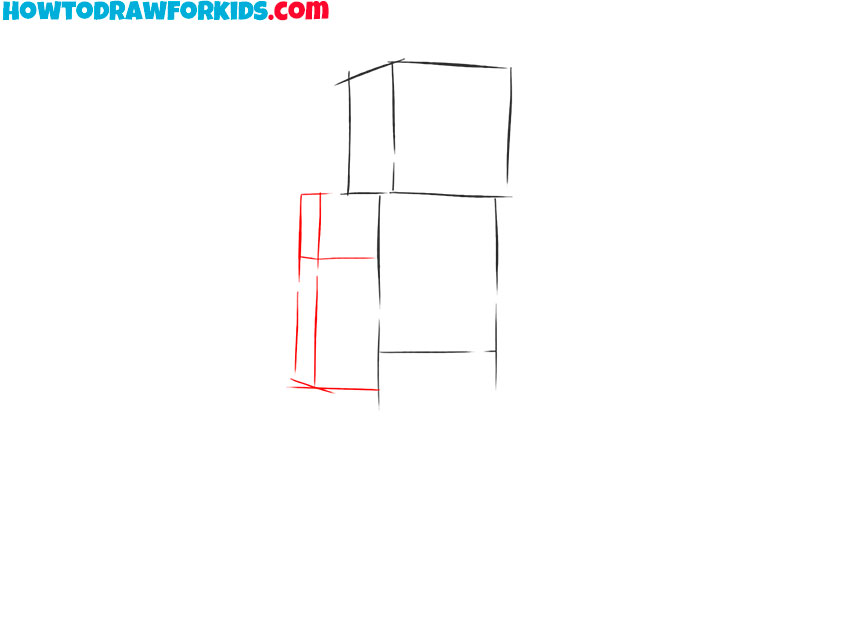
- Draw the second arm.
On the other hand, draw the second arm of the same shape.
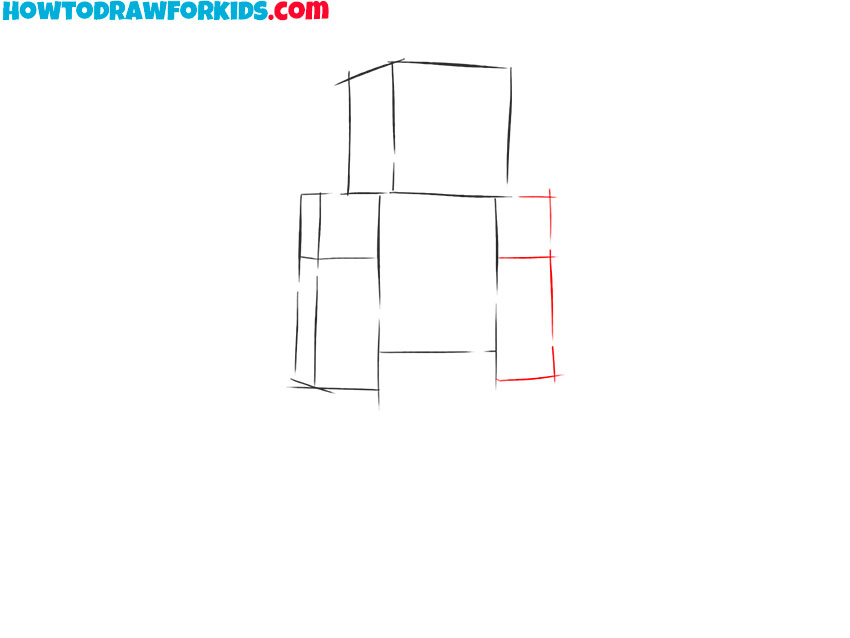
- Add the legs.
Below the torso draw two legs using several even straight lines.
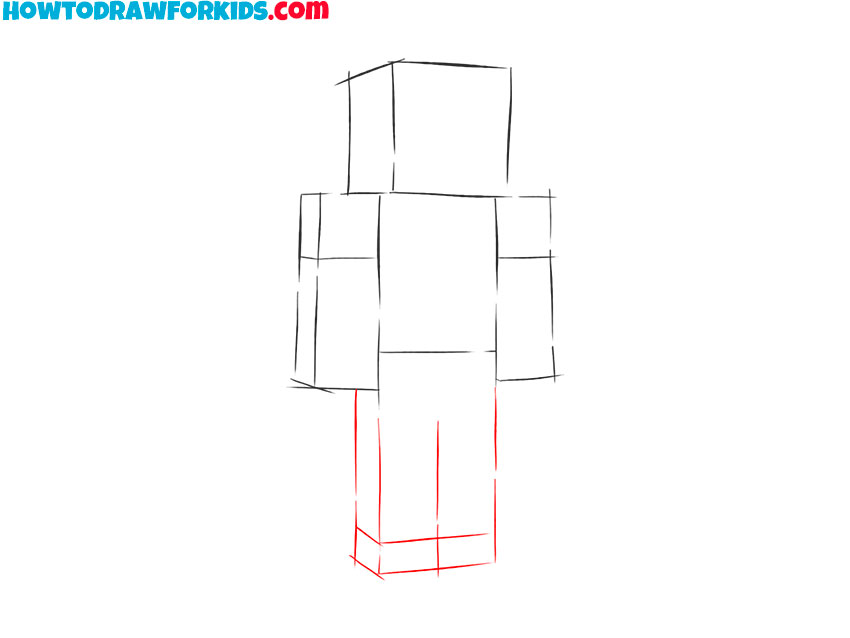
- Add details.
Draw the outline of the hair and the outline of the collar on the T-shirt.
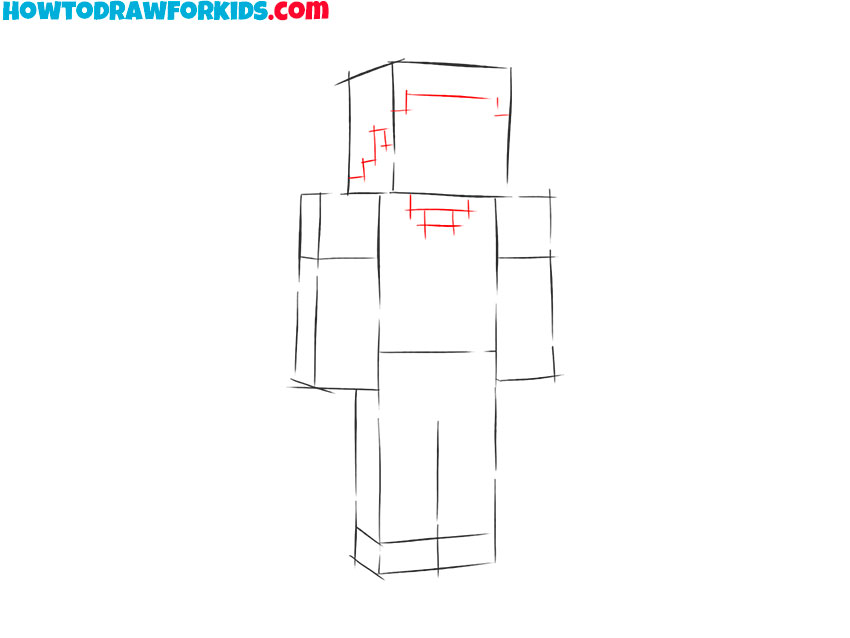
- Add facial features.
Depict the eyes, nose, and mouth using short straight lines.
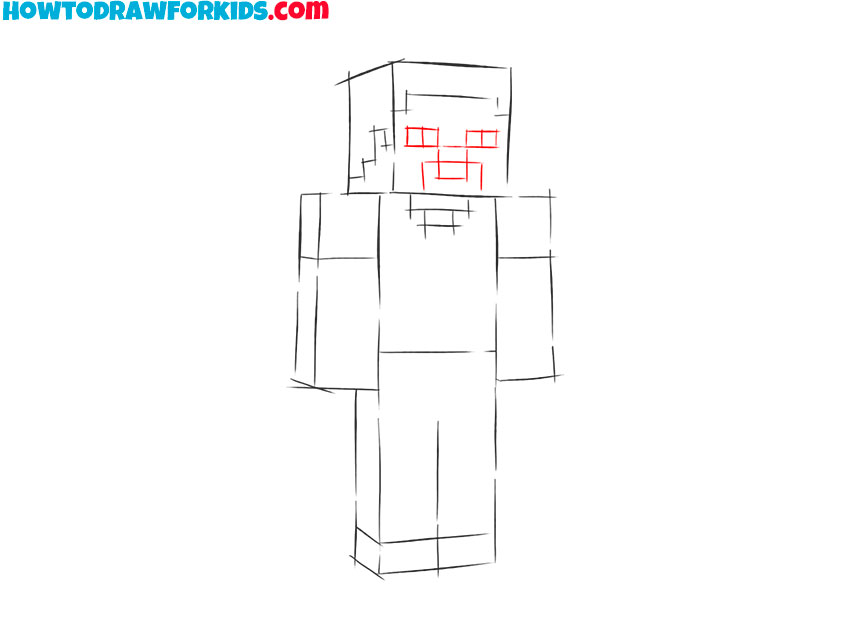
- Color Steve from Minecraft.
Choose brown for hair and beige for the skin. For clothes, use blue and purple.
Finally, I suggest you download the short version of the lesson as a PDF file. Save this file so you can return to the lesson at any time.




Besides Steve can hold a billion tons (I know it from a youtuber) 🙂
Steve is my favorite caracter and my favorite game is minecraft. I think you shoud make a villager!
Drawing Steve was so easy
Thanks for showing easy step .
hard