How to Draw a Ps4 Controller
Today you will learn how to draw a ps4 controller in just nine steps. I am sure you will really like this guide!
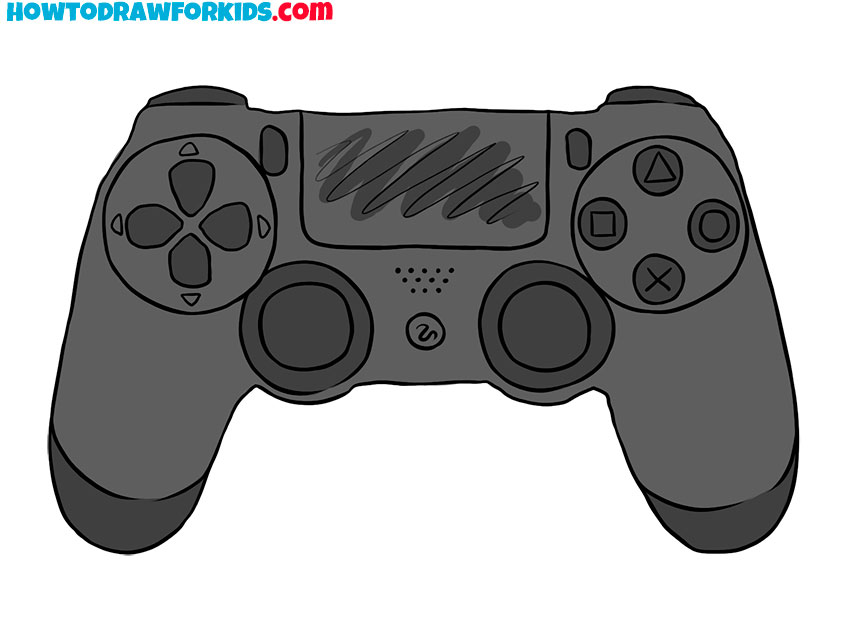
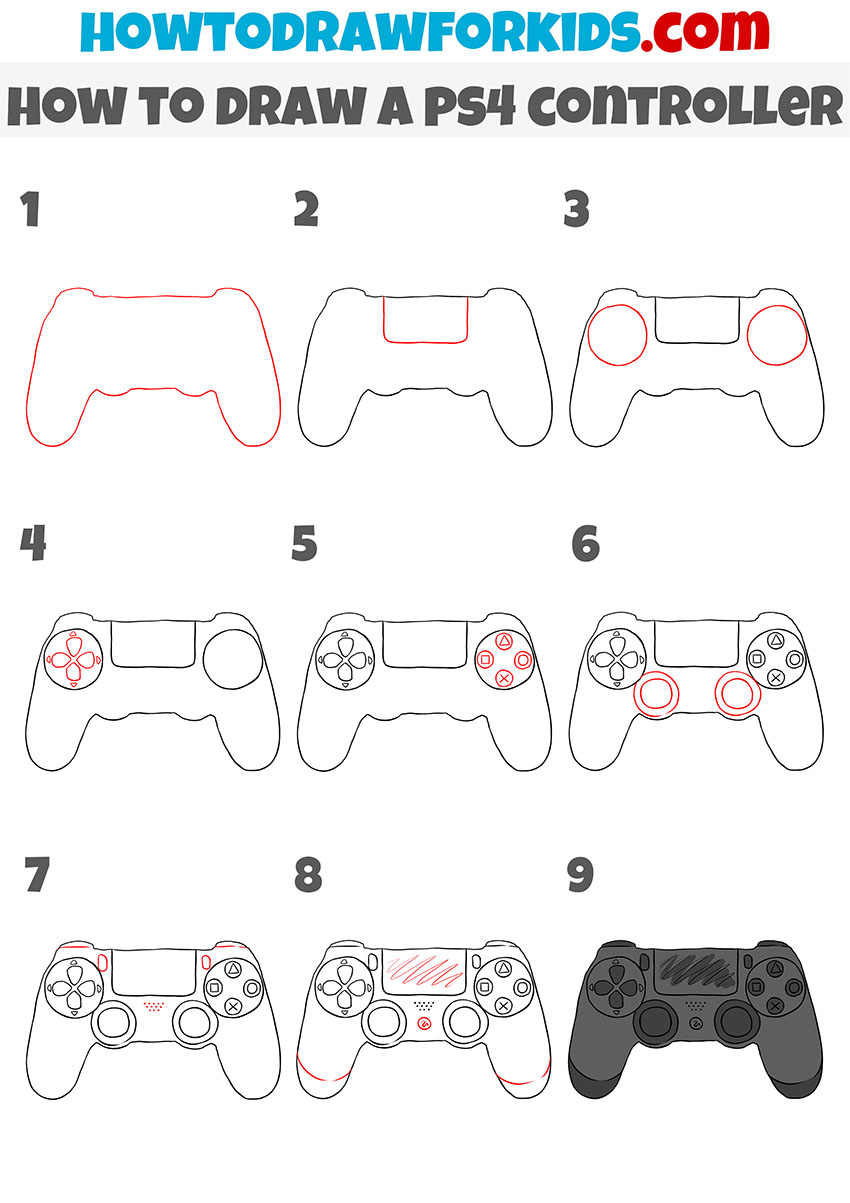
In this tutorial, I will tell you and show you in detail how to draw a ps4 controller. This lesson will be very useful for you because you will once again practice drawing geometric shapes and drawing straight lines.
The ps4 controller is used by gamers. On the surface of the device, there are several buttons with which you can control the game process.
Consistently follow all the drawing steps, take your time, compare your drawing with my example. As you progress through the lesson, use the little tips that I have prepared for your convenience. This lesson is suitable for children and beginner artists.
Ps4 Controller Drawing Tutorial
Materials
- Pencil
- Paper
- Eraser
- Coloring supplies
Time needed: 30 minutes
How to Draw a Ps4 Controller
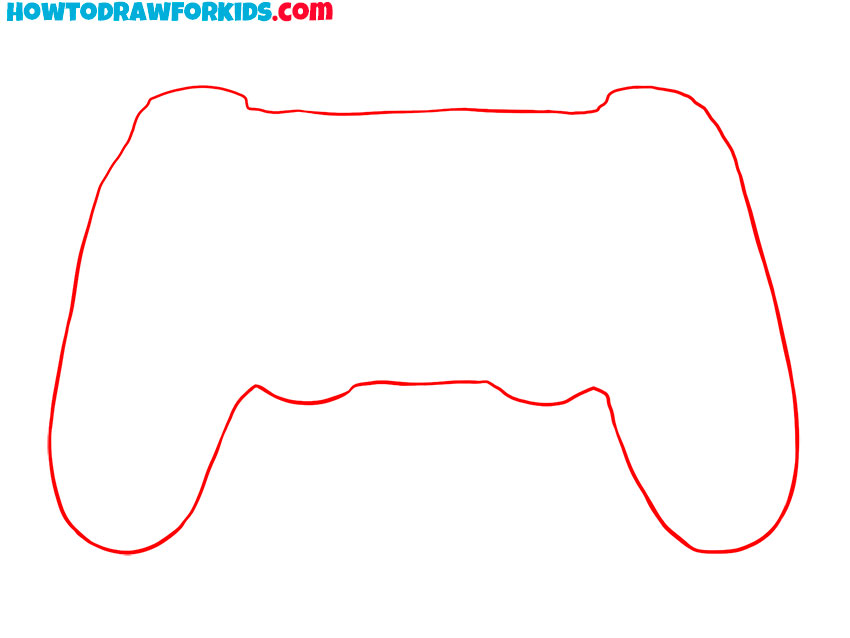
- Draw the outer outline.
Smooth lines depict the same figure as in the example.
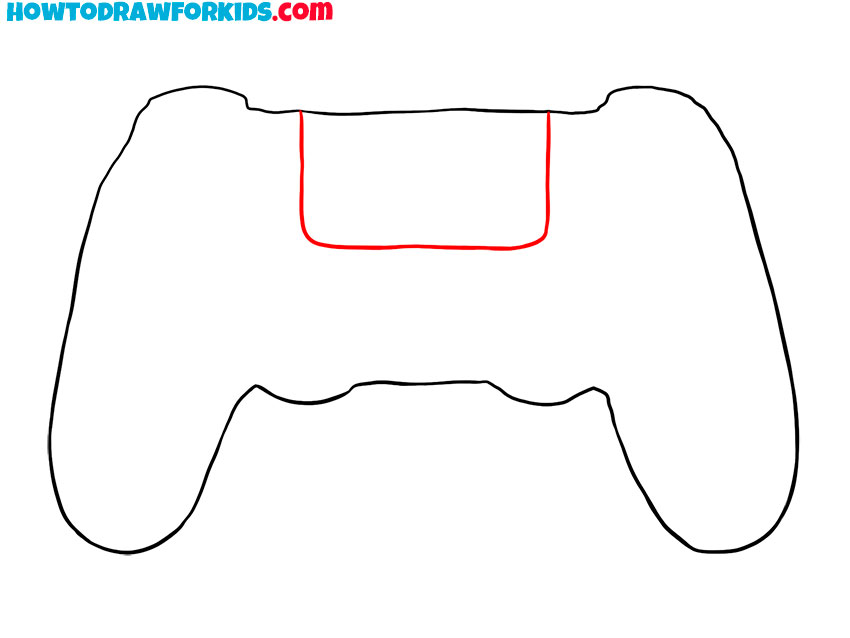
- Depict the touchpad.
At the top of the controller, draw a rectangle shape with rounded corners.
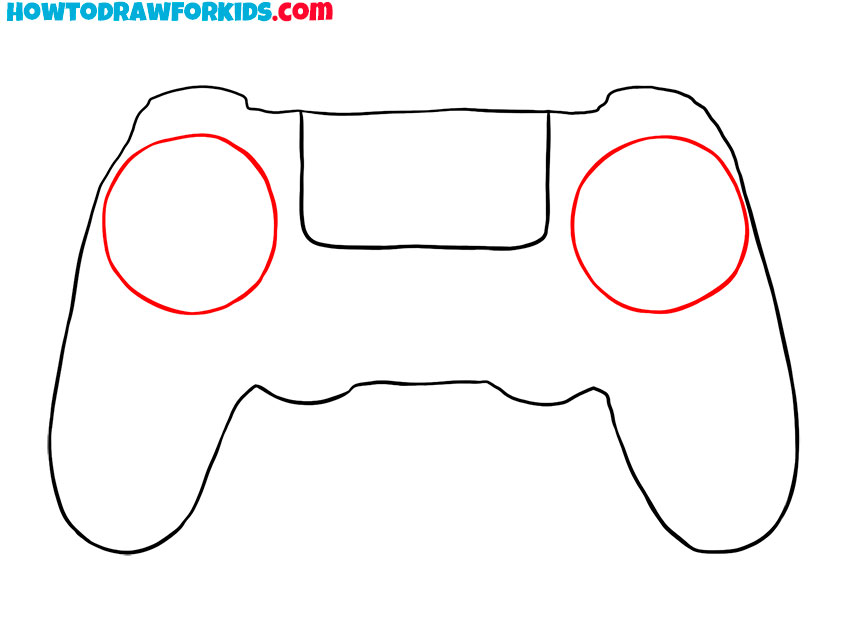
- Add the direction buttons.
Sketch out straight circles on the left and right sides.
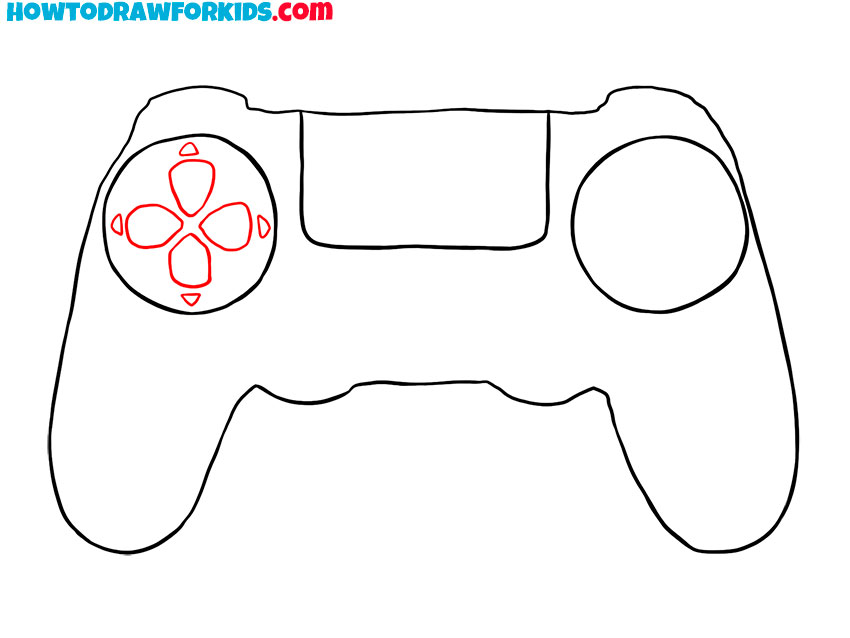
- Depict buttons on one side.
Draw several small buttons of the same shape.
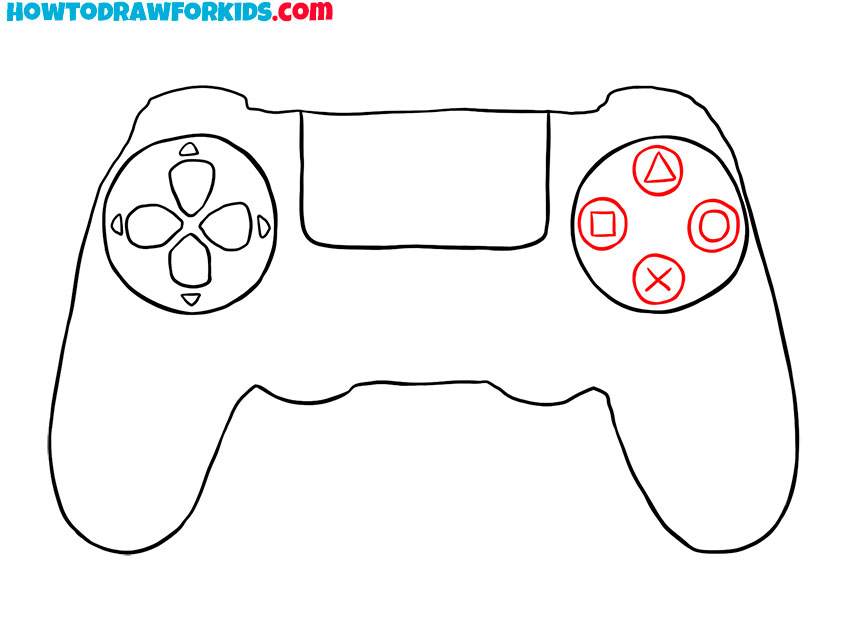
- Add buttons on the other side.
Draw four round buttons on the right side of the controller.
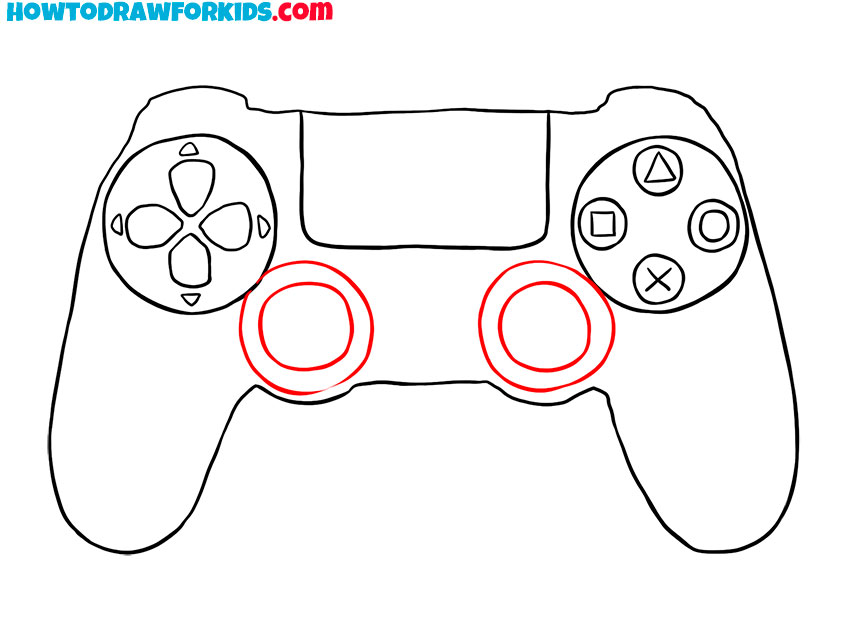
- Sketch out joysticks.
On each side, draw two even circles of different diameters.
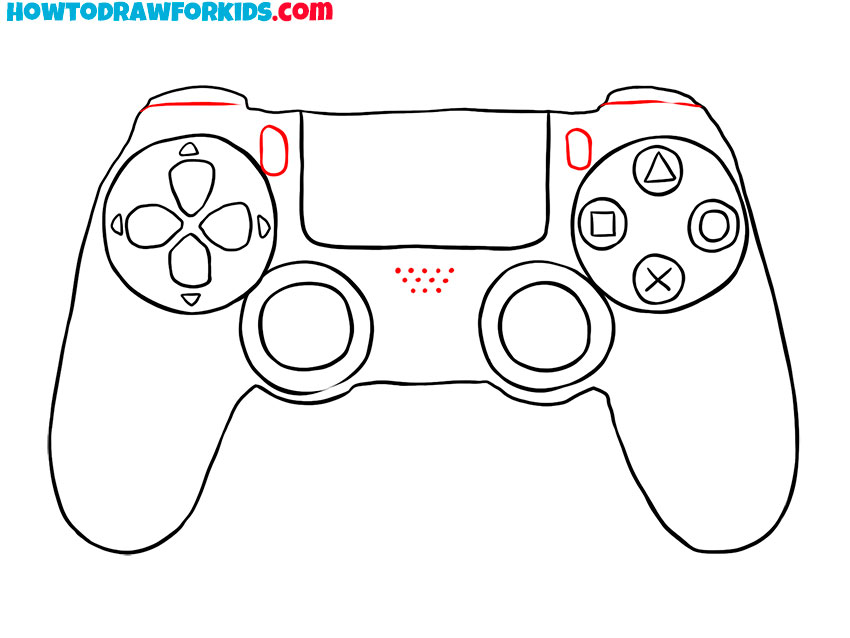
- Draw the rest of the elements.
On the surface of the controller, add some additional elements.
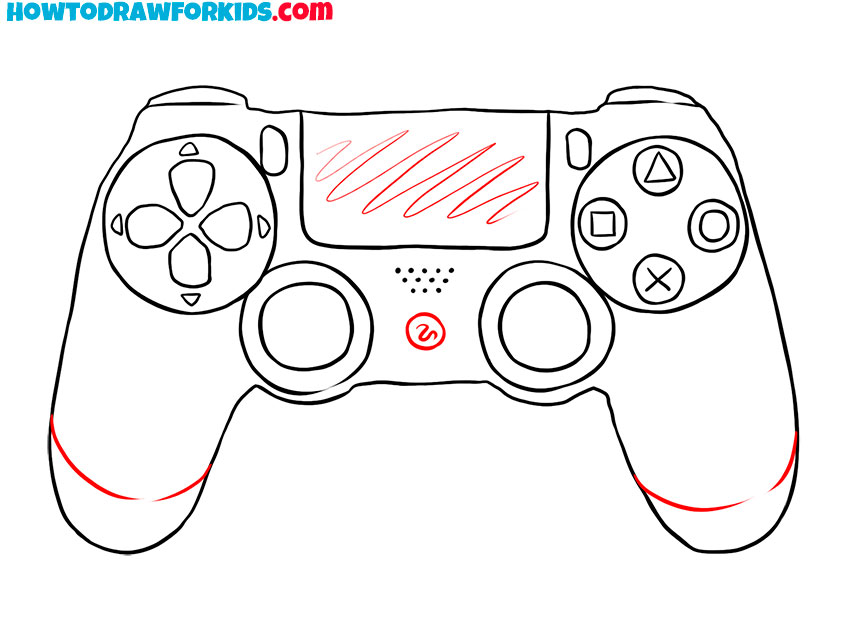
- Add details.
Depict the surface of the touchpad and the relief on the side handles.
- Color the drawing.
You will need a few shades of gray to color the PS4 controller.
For your convenience, I have prepared a PDF file that contains a short version of the lesson and additional useful materials. Download the file and enjoy drawing at any time!